Laser cut boxes and trays
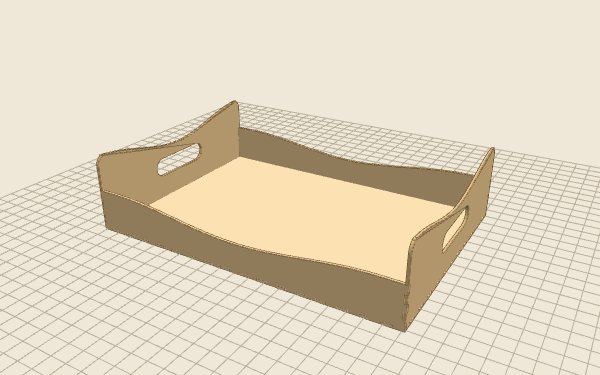
Every box here is parametric: you enter the size and the finger joints are recalculated for your material and your laser. No fixed plan that is almost the size you need. Preview the box in 3D before you cut.
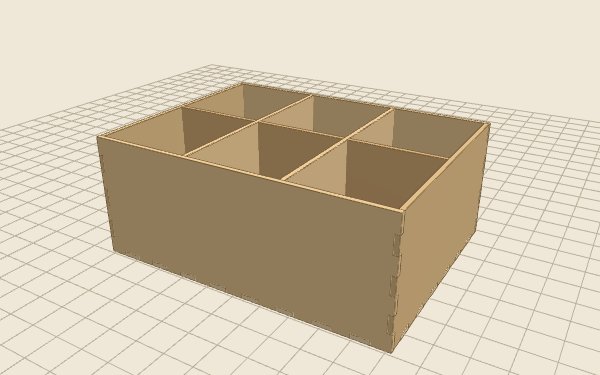 Laser
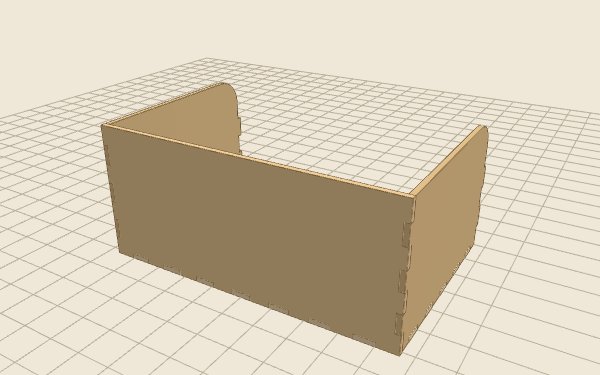 Laser
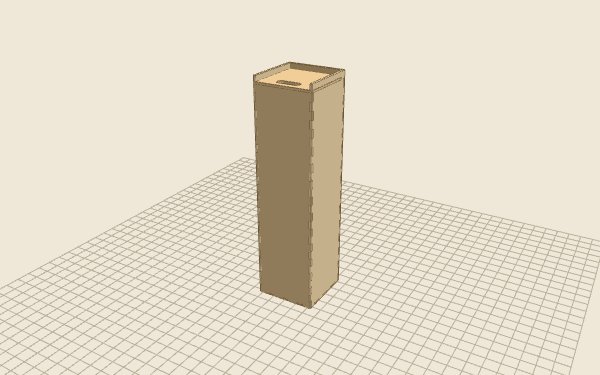 Laser
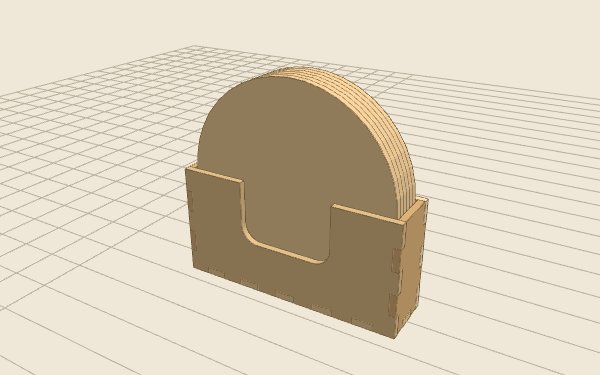 Laser
 Laser
More models are coming soon. Need something special? Ask us for a custom model, or see everything available now.
What to know before you cut
- Use 1/8" (3 mm) birch plywood, basswood plywood or MDF. Sheets labeled 1/8" often measure a little more or less, so measure with calipers and enter the real thickness.
- Set your laser's kerf once: cut a 3/4" (20 mm) square, measure it and enter the difference. The finger joints are compensated, so the parts press-fit.
- The default sheet is 24 × 12 in. Change it under Material, laser and sheet to match the bed of your machine.
- Cut lines and engraving are kept apart, so you can set power and speed for each. Keep the sheet flat on the bed.
Frequently asked questions
Which lasers work with these plans?
Any laser that can cut 1/8" (3 mm) plywood or MDF: CO2 desktop lasers such as Glowforge and xTool, and stronger diode lasers with several passes. Set your own bed size in the settings.
Which file should I download?
The SVG for most laser software (LightBurn, xTool Creative Space, Glowforge, Inkscape). The DXF is included for CAD and CAM programs. Both are at real size.
Can I sell what I make?
Yes. You can make as many pieces as you like and sell them. You may not resell, share or publish the files themselves.
Related
- Free tool: Plywood fit test generator
- Guide: How to measure your laser's kerf for press-fit joints
- Guide: The best plywood and MDF for laser cutting
- Guide: How to open the SVG in LightBurn, xTool and Glowforge
- All furniture plans
Browse by type: Tables · Shelving · Seating · Home · Kids · Entryway · Office · Pets · Boxes & trays · Desk & organizers · Home decor · Christmas · Names & signs